April 30, AfterCut v1.0.54 - Continue recording, custom annotations, improved transcriptions, and bug fixes
Record more

This one was requested by an AfterCut user here: Feature Idea: "Record More" - Seamlessly Extend Your Recordings
Happy to say it's now shipped. You can record another clip into an existing project, reorder segments, drop something in the middle, or just append it at the end.
Custom annotations

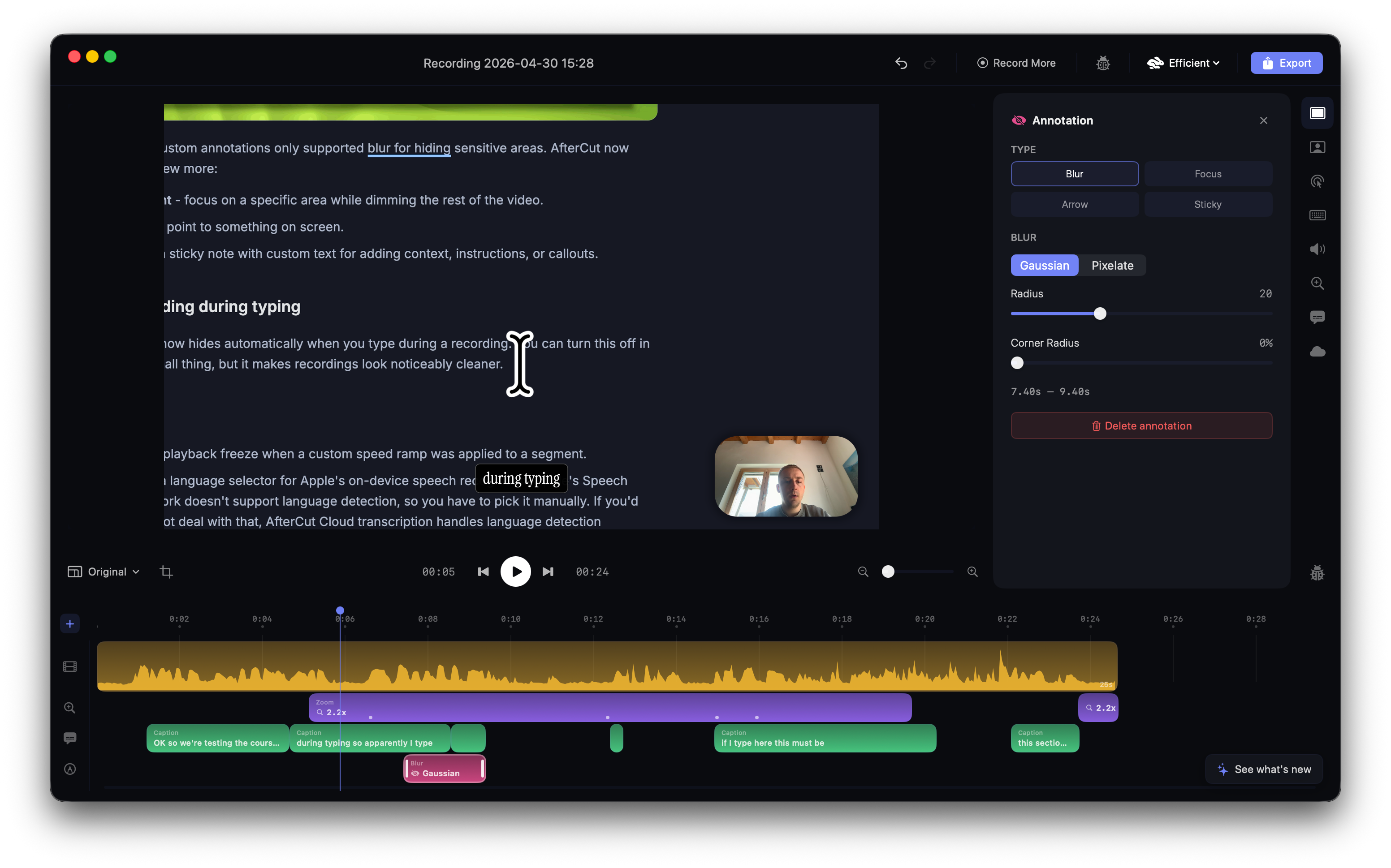
Until now, custom annotations only supported blur for hiding sensitive areas. AfterCut now supports a few more:
Spotlight - focus on a specific area while dimming the rest of the video.
Arrow - point to something on screen.
Note - a sticky note with custom text for adding context, instructions, or callouts.
Cursor hiding during typing

The cursor now hides automatically when you type during a recording. You can turn this off in settings. Small thing, but it makes recordings look noticeably cleaner.
Bug fixes
Fixed a playback freeze when a custom speed ramp was applied to a segment.
Added a language selector for Apple's on-device speech recognition. Apple's Speech framework doesn't support language detection, so you have to pick it manually. If you'd rather not deal with that, AfterCut Cloud transcription handles language detection automatically and gives you better quality overall.