What's New in AfterCut Studio v1.0.8
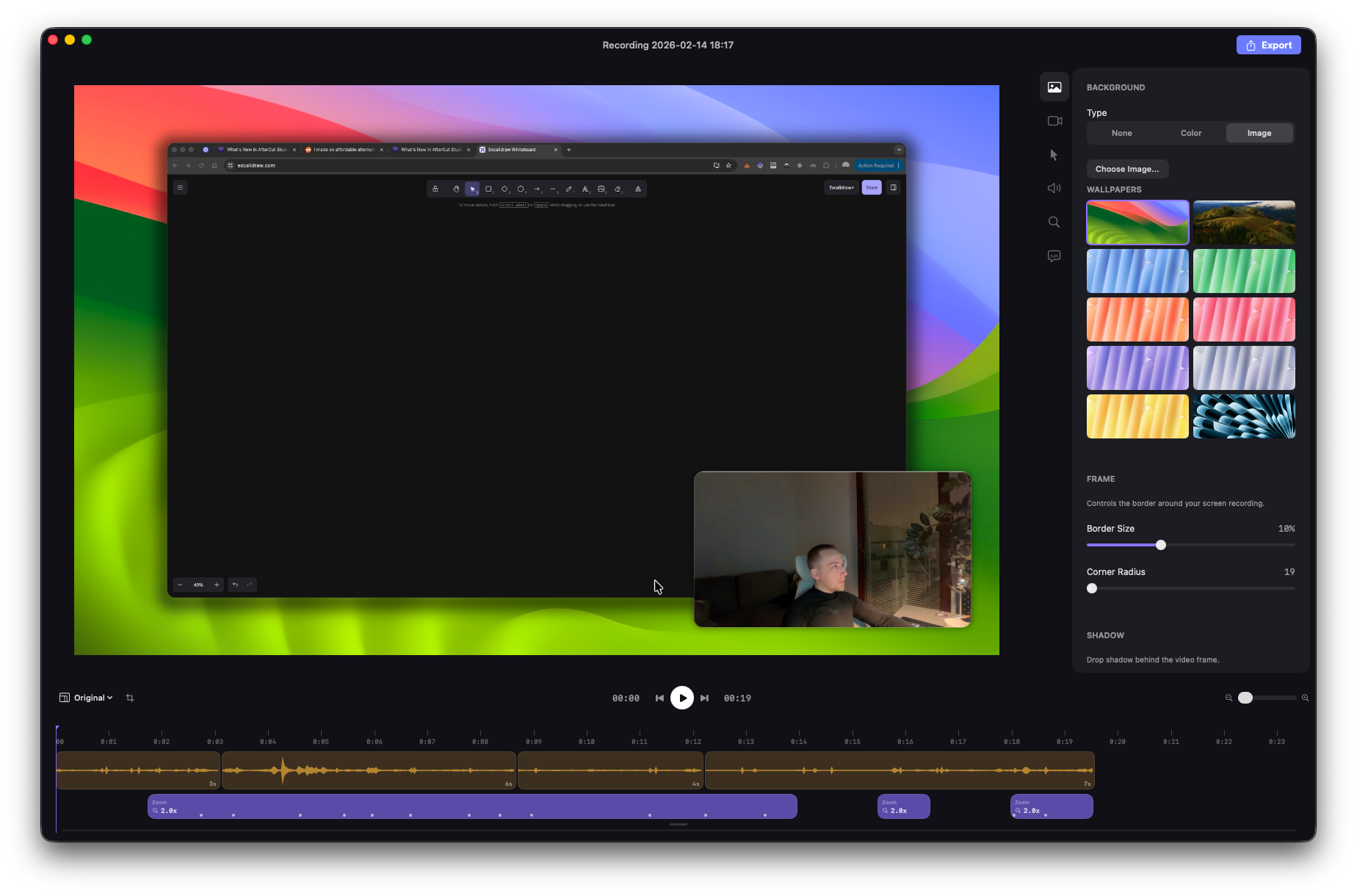
Metal-Accelerated Rendering
Compositor now uses Metal shaders for GPU-accelerated frame rendering, replacing the previous CoreImage-only pipeline, significantly faster exports, and smoother playback
Cursor Rendering
Fluid cursor path smoothing for buttery cursor animations during playback and export
Better default cursor enlargement settings
Optimized the cursor rendering pipeline with motion blur
Overhauled Zoom & Pan System
New spring-based zoom engine with slight motion blur for natural, cinematic camera movements
Smarter zoom section generation — improved click clustering for more accurate auto-zoom targets
Fixed zoom jumps and zoom-in distortion artifacts
Camera enlargement
The camera can now automatically enlarge when the video is zoomed out. Can be disabled in settings
Video Editing Improvements
Cursor pan movements and zoom sections now correctly account for video cuts/segments
Transcription timeline properly syncs with video cuts
Fixed timeline playhead positioning
Waypoint dragging now works correctly in the compositor
Export & Recording
Improved bitrate defaults for higher quality output at reasonable file sizes
Better camera and screen recording managers
UI & Stability
Fixed a crash when closing the editor window
Improved export overlay, editor sidebar, and settings panels
Better camera preview and recording panel controls
Auto-updater was fixed

Previously, when you checked for the updates, you could not auto-update the app due to missconfiguration in the Sparkle framework. Starting version v1.0.8, in-app updates should work and install new builds.