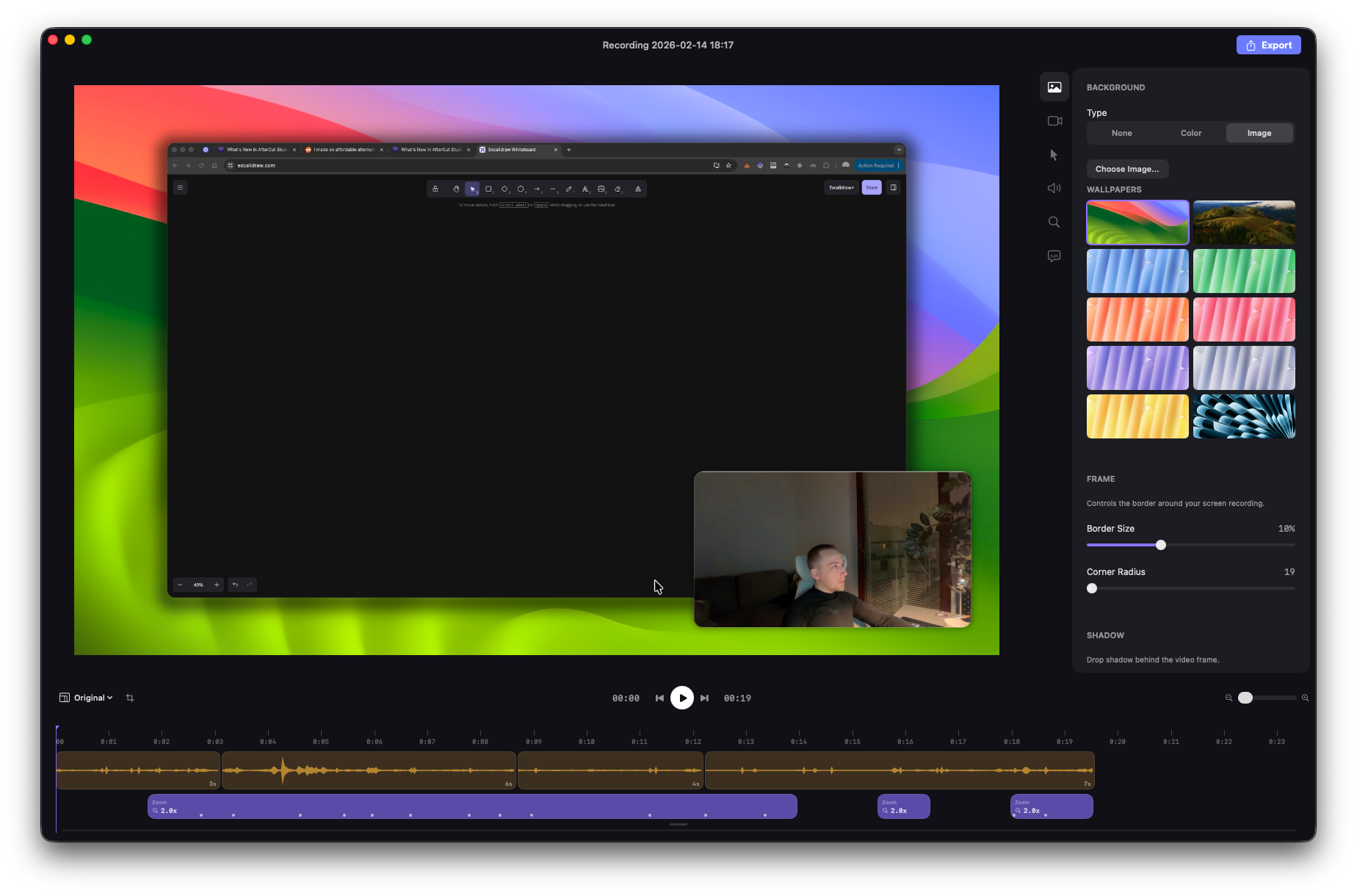
April 5th, AfterCut v1.0.50 — Annotations, Caption Styling, Faster Exports, and design improvements
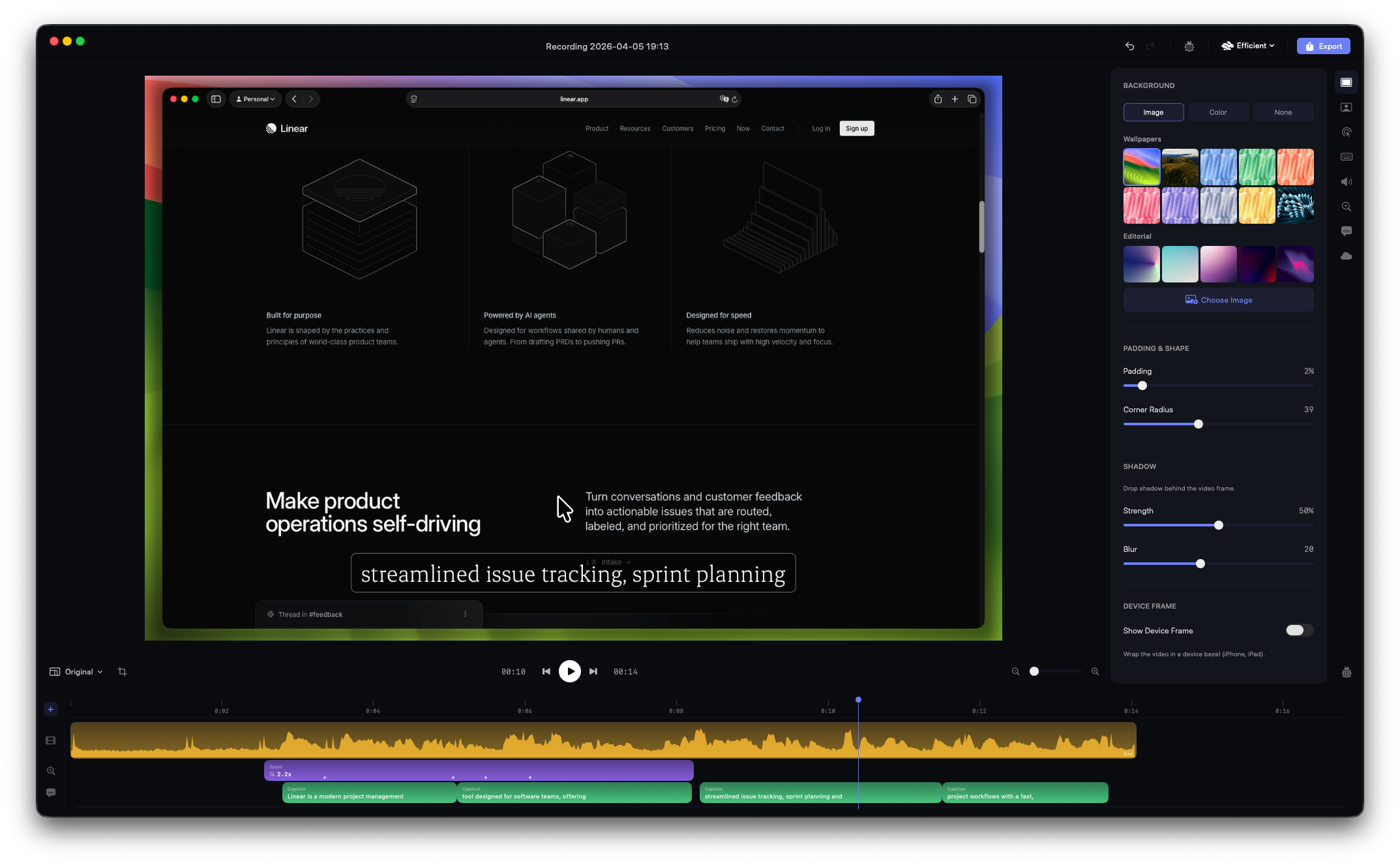
New creative tools, a redesigned interface, and an export engine rebuilt from the ground up. As always, most of this came from watching how you use AfterCut and what you kept asking for. Thank you - keep the feedback coming.
New: Blur & Redact Sensitive Content
You can now draw blur or pixelate regions directly on your video to hide passwords, emails, API keys, or anything you don't want viewers to see. Add annotations from the timeline, drag them to position, resize from the corners, and adjust the blur intensity, gaussian or pixelate, your pick. They're time-bound, so the blur only appears when you need it.

New: Custom captions style
Captions got a complete overhaul. Choose from cool built-in design presets: Classic, Minimal, Confident, Warm, Calm, Elegant, Dramatic, Playful, Raw, Whimsical - each with its own font, colors, and feel. Or build your own: pick from 12 bundled fonts, set text color, background pill, corner radius, padding, position, and active word highlighting.
The new word-by-word progressive animation reveals each word as it's spoken, with configurable speed and easing. You can also duplicate and customize any preset.
New: Cloud Transcription
On top of Apple's built-in speech recognition, there's now an AfterCut Cloud transcription option. Better accuracy, especially for technical content. Your audio is processed in real time and not stored.

Available with a valid license.
New: What's New Badge
A small "See what's new" badge now appears in the editor when there's a fresh update. Click it to see the changelog without leaving the app.
Faster Exports
The entire export pipeline has been rebuilt from scratch. Frames now render in parallel across multiple workers using Metal GPU acceleration — 2 to 6 render threads depending on your hardware and resolution. Decode, render, and write phases all overlap instead of running one at a time. On a MacBook Pro, expect noticeably shorter export times, especially at higher resolutions.
Better Motion Blur
Motion blur rendering has been improved and now runs through Metal compute shaders. Smoother, more natural-looking blur during fast pan movements with less memory overhead.
Redesigned Interface
The entire UI has been refreshed with a new dark theme built for color accuracy. True neutral backgrounds so your video colors look right. The project library now groups recordings by date (Today, Yesterday, This Week…) and has a cleaner two-column layout.

The editor sidebar, timeline, toolbar, and export overlay have all been tightened up.
Better Performance on Low-Powered Devices
Capture priority has been tuned so the app runs smoother on base-model MacBooks and older machines. Less frame dropping during recording, and hopefully less system kills of the recording
Fixes
Crash on open is gone. A bug in the project library caused a crash on launch for some users. Fixed.
No more crash without audio tracks. Opening a project with no microphone audio no longer crashes the transcription engine.
App hangs resolved. Several deadlocks in the camera and panel code that caused the app to freeze have been fixed.
Cut segments reopen properly. Projects with video cuts now load correctly when reopened.
Caption timing stays in sync after cuts. Captions now correctly remap their timing when you cut or rearrange video segments.
Caption rendering is sharper. Improved text rendering with better font caching and shadow handling.